Opening your workspace…
Gallery submission preparation
A considered
approach.
Ready to send.
Choose the work, find the right words and prepare the files. Keep the details of each gallery application in one place.
One place for the approach
Selected works
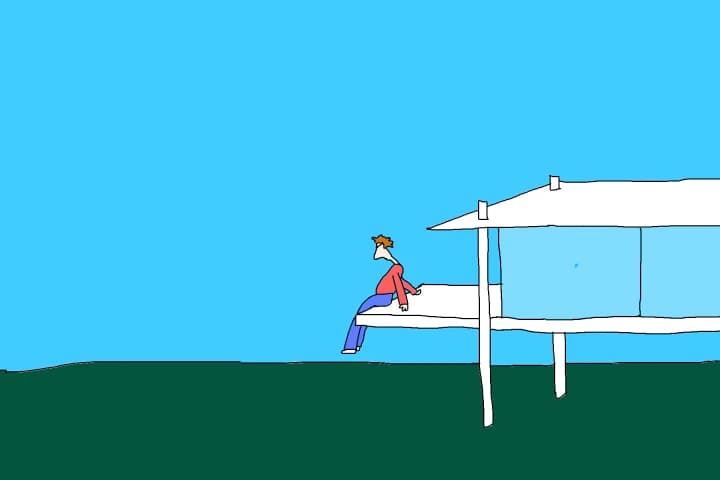
- The selection
- 3 works by BootisPootis
- The introduction
- Adapted for this gallery
- The files
- A portfolio PDF and artwork images
From collection to application
Three small steps.
One coherent submission.
A sample submission · nothing is saved
A small, considered selection.
Start from your saved work. Choose pieces for this opportunity, then put them in the order you want someone to see them.
01 02
 03
Demonstration using public artwork by BootisPootis. Pair does not send applications.
Start with the brief
For this opportunity.
Not every opportunity.
Choose a researched listing from Discover, paste a link to an opportunity you found, or start manually. Check the organiser’s current dates, fees, eligibility and application instructions.
Your destination is simply who the submission is for, where you’ll apply and what they ask you to send. Pair keeps those requirements beside your selection and writing.
Some listings are open calls; others are places to approach. An unconfirmed invitation stays clearly marked, so you can check before investing time in an application.
The finished file
Give the work
room to speak.
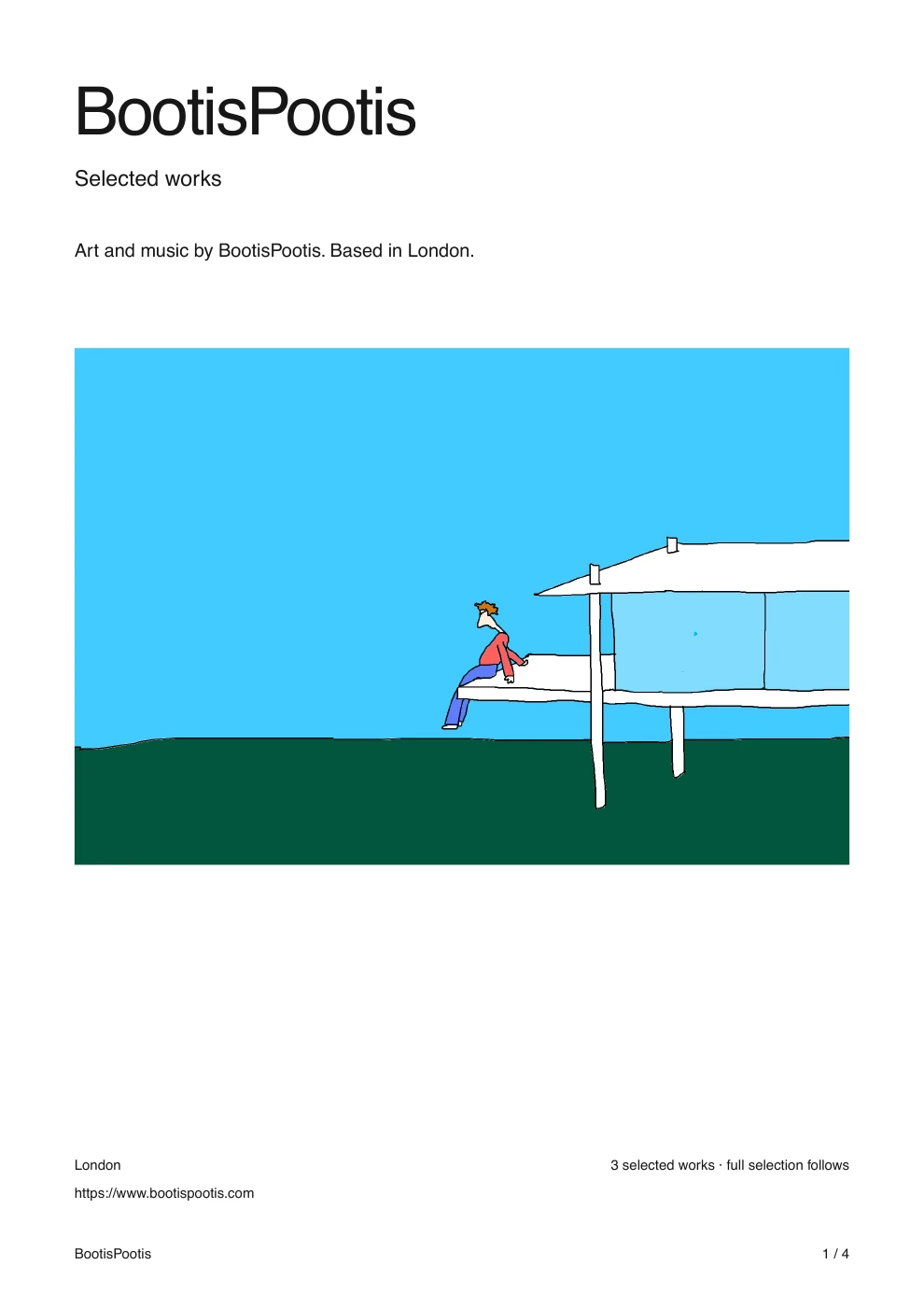
See the same selection as a clean portfolio, an editorial layout or a colour wash.
Page 1 of 4
White space. One artwork. Nothing extra.
Actual Pair export · Artwork © BootisPootis, used with permission.
Before you press send.
Does Pair submit to galleries for me?
No. Pair prepares the files. You send them using the organiser’s application form or your own email, then record the status in Pair.
What belongs in a gallery submission?
Follow the gallery’s brief. A selection of artwork, accurate captions and a concise introduction are common starting points. Add a bio, statement or individual image files when requested.
Can I reuse an earlier submission?
Yes. Start with a previous draft, change the destination, review the new requirements and make a fresh selection. Export when you’re ready to save the new version.
Spend your time on the approach.
Keep your work and words ready for the next possibility.
Portfolio PDFs
Create an artist portfolio PDF with your own artwork. Compare minimal, editorial and colour-wash layouts, preview every page and reuse your work for the next submission.
Explore PairPair in your chat
Use ChatGPT, Claude or Grok with your Pair workspace to find art opportunities, choose your actual artwork and prepare portfolio PDFs. See example prompts and finished results.