 ChatGPT
Add a custom MCP connection in the available developer or plugin settings.
Connection guideAI tools for artists
Use ChatGPT, Claude or Grok with your Pair workspace to find art opportunities, choose artwork and prepare artist portfolio PDFs. Pick up your submission in Pair whenever you like.
A little direction goes a long way
ChatGPT Claude
 Grok
Use Pair to prepare a submission for this gallery: [paste the link]. Check whether the listing already exists. Show me my saved artwork, help me choose a focused selection, and adapt the introduction using my profile facts. Show me the PDF before exporting.
A draft saved in Pair, using your actual artwork and a tailored introduction. Review its pages, then ask to save and download it.
Example prompts for a connected Pair account. Available actions depend on the permissions you allow. Interactive panels depend on your chat app; previews and file links are also available through tools.
Sample result · actual Pair PDF
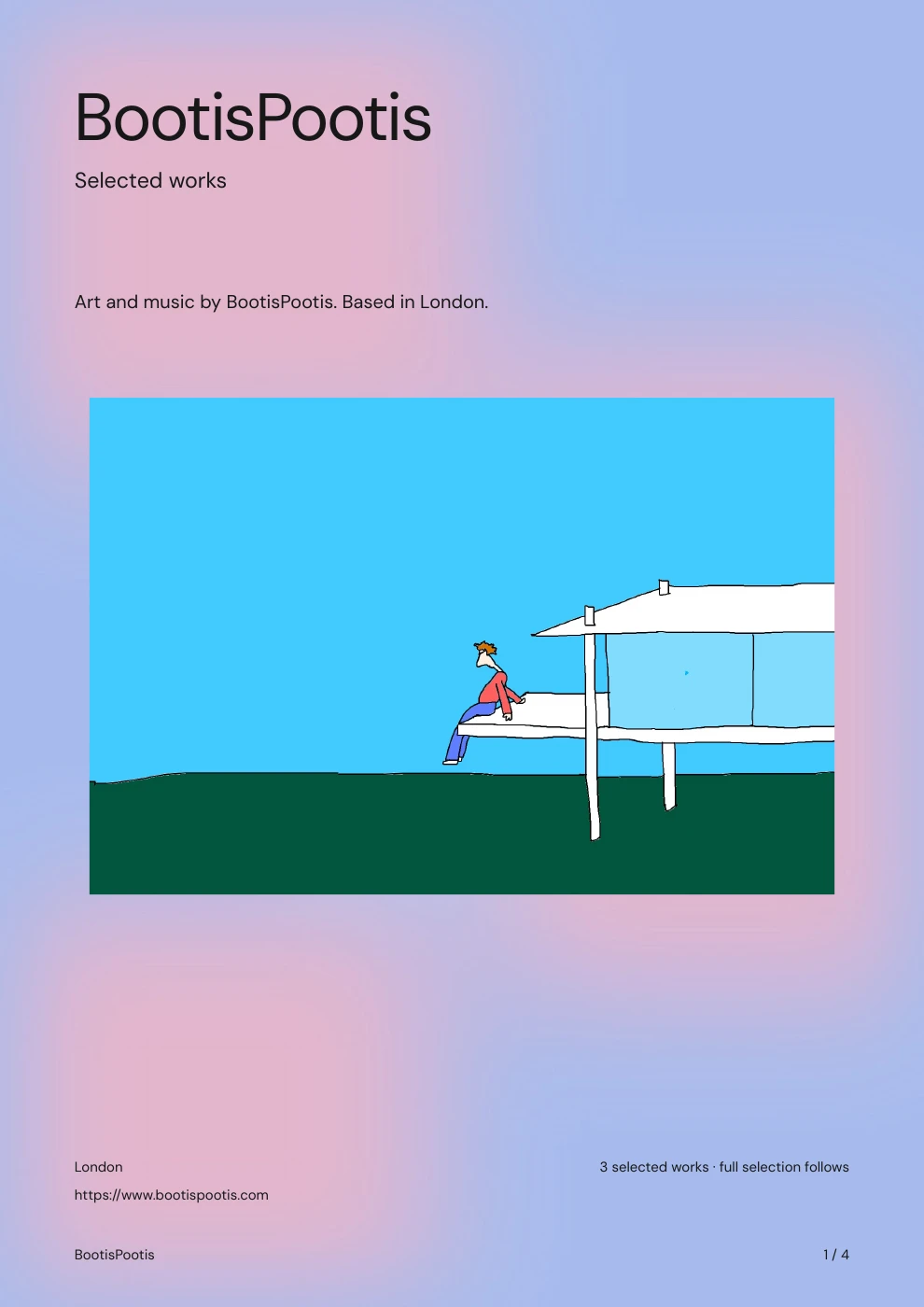
A soft wash of colour with quiet artwork pages.
Actual Pair export · Artwork © BootisPootis, used with permission.
This is a prepared example, not a live chat. Your portfolio uses the work and details saved in your own account.
Add Pair as a custom connector in your chat app, paste this address, then sign in and choose what it can do.
https://pair.space/mcpNo API key or local server. Custom connector availability depends on your chat app, plan and workspace settings.
Use the Pair address in your assistant’s custom connector settings.
Sign in to Pair and allow the actions you want. You can disconnect here at any time.
Start with an opportunity link, a place you’d like to show, or a portfolio you want to refine.
ChatGPTAdd a custom MCP connection in the available developer or plugin settings.
Connection guideClaudeOpen Connectors, add a custom connector and paste the Pair address.
Connection guideGrokOpen Connectors, choose New Connector → Custom and paste the Pair address.
Connection guideChecking your connections…
Create an artist portfolio PDF with your own artwork. Compare minimal, editorial and colour-wash layouts, preview every page and reuse your work for the next submission.
Explore PairPrepare a gallery submission in one place. Select artwork, tailor your artist introduction, check application requirements and download your PDF and image files.